Studio CLI
A single binary for macOS, Linux, and Windows that handles project initialisation, environment variables, secrets management, and one-command deploys. Auto-updates silently in the background — you never run an outdated toolchain.

The Platform
Group Studio's product suite covers the full engineering lifecycle — from local development through CI/CD, preview environments, and production observability.
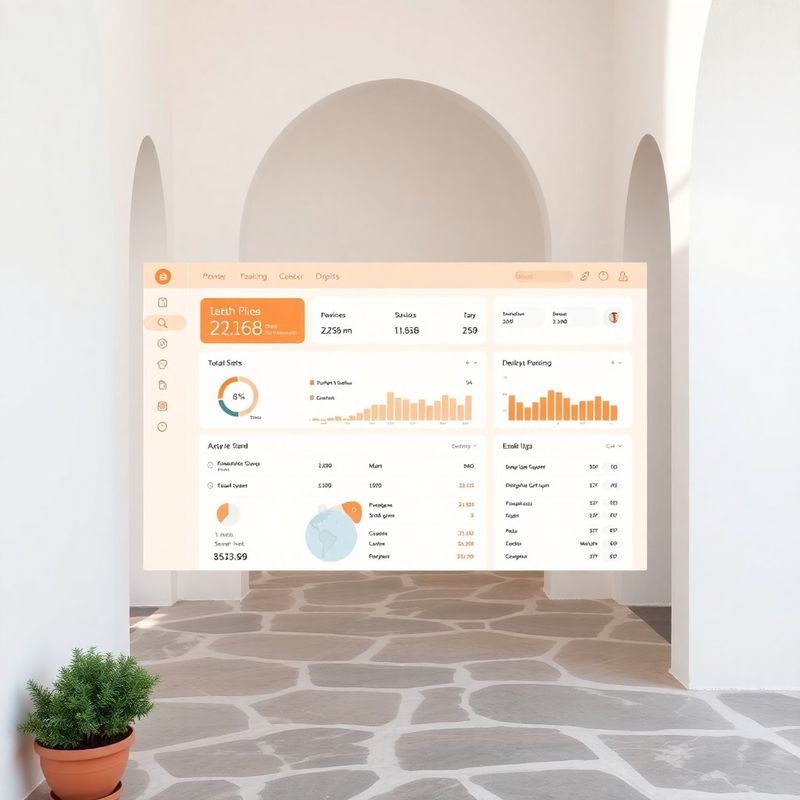
Explore the docsMost developer platforms ask you to configure your way into productivity. Group Studio inverts that: you get a fully working pipeline on day one, and you tune it as you learn. The core product is a CLI tool — installed with a single command — that connects your local Git repository to Group Studio's build cluster. From that moment, every commit, branch, and tag is a deployable artefact. The warm terracotta-cream interface in the web dashboard mirrors the CLI output colour-for-colour, so there is no mental context-switching between terminal and browser.
Each module is independently usable; together they form a complete delivery platform.
A single binary for macOS, Linux, and Windows that handles project initialisation, environment variables, secrets management, and one-command deploys. Auto-updates silently in the background — you never run an outdated toolchain.
Declarative YAML configuration with sensible defaults for Node.js, Python, Go, and Ruby. Build caches are stored at the layer level, so incremental builds average 18 seconds across our customer base.
Each open pull request gets its own subdomain, seeded database, and mocked external services. Share the URL with a designer or a product stakeholder — no VPN, no SSH tunnel, no explaining how to install dependencies.
Automated dependency scanning on every build, secrets detection before code reaches the cluster, and SOC 2 Type II–aligned audit logs. A one-click GDPR Data Processing Agreement is available to all paid plans.
Distributed tracing, structured logs, and metric dashboards rendered in the same clean-tech interface as your deployment history. Correlate a spike in p99 latency with a specific commit in two clicks.
Every action you can perform in the dashboard is also available through the REST API — creating environments, triggering builds, reading observability data, managing team members. The API follows OpenAPI 3.1 and is documented interactively at docs.lightallviviane.site. Client libraries are available for TypeScript, Python, and Go. Webhooks fire on every build event, deploy completion, and alert threshold breach, so you can wire Group Studio into Slack, PagerDuty, Jira, or any internal tooling without waiting for a native integration. This is what developer-first means: we do not gatekeep automation behind a higher pricing tier.
“The Studio CLI took 40 seconds to install and another 90 seconds to push our first preview environment. I have been building software for eleven years and I have never written a technical evaluation that says ‘it just worked’ — until now. We went from evaluation to company-wide rollout in ten days.”
Ciarán Ó Murchú, Lead Engineer — Helix Fintech, Cork
Group Studio ships with first-class support for Node.js (18+), Python (3.10+), Go (1.21+), and Ruby (3.2+). Static frontends built with any bundler — Vite, Next.js, SvelteKit, Remix — deploy automatically via the same CLI. If your stack is not listed, the custom Dockerfile path lets you containerise any runtime.
Preview environments use a lightweight mock layer that intercepts outbound HTTP calls to any host you define in your studio.yaml config. Responses are drawn from a fixture file you commit alongside your code. For services you want to hit live (for example, a staging Stripe environment), you whitelist those hosts and they pass through unchanged.
The environment, its associated database clone, and all stored artefacts are destroyed within 90 seconds of the pull request being merged or closed. Storage usage is metered per-minute so there is no charge for environments that no longer exist. You can also pin a preview environment to keep it alive indefinitely — useful for long-running design reviews.
Yes. All data — source code, build artefacts, logs, and environment variables — is stored in our EU-West (Dublin) region by default. We sign a GDPR-compliant Data Processing Agreement on request, available on all paid plans. SOC 2 Type II audit reports are shared under NDA for enterprise enquiries directed to [email protected].
The interactive demo environment is live and pre-seeded with a sample project. Browse, deploy, and explore without creating an account.
Open demo environment